
xslider
v1.1.4
Published
XSlider is a slider library using webgl shader for transition.


Readme
XSlider · 

XSlider is a slider library using webgl shader for transition.
- Shader transition is easy to customize.
- No external dependency.
- Treat DOM structure as webgl texture.
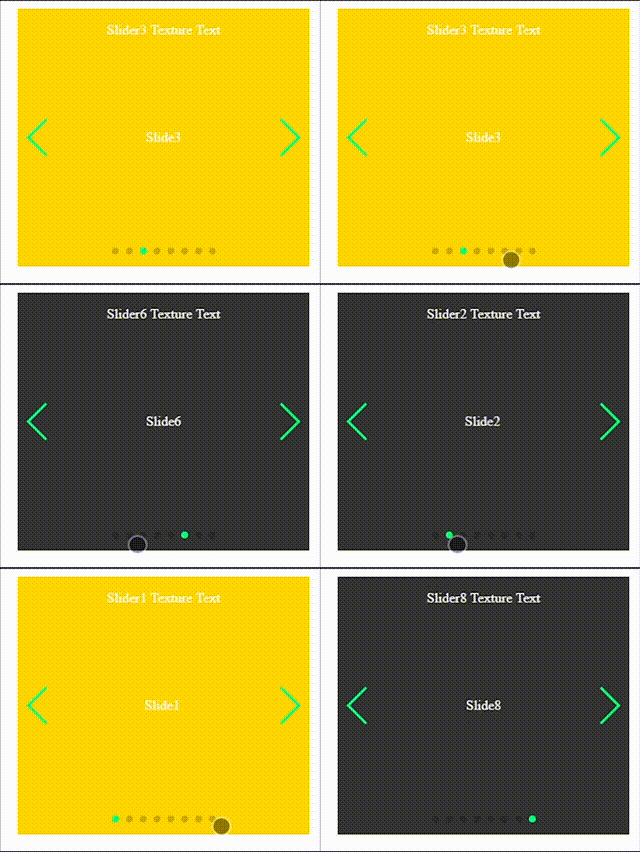
- It switches continuously when several slides are skipped
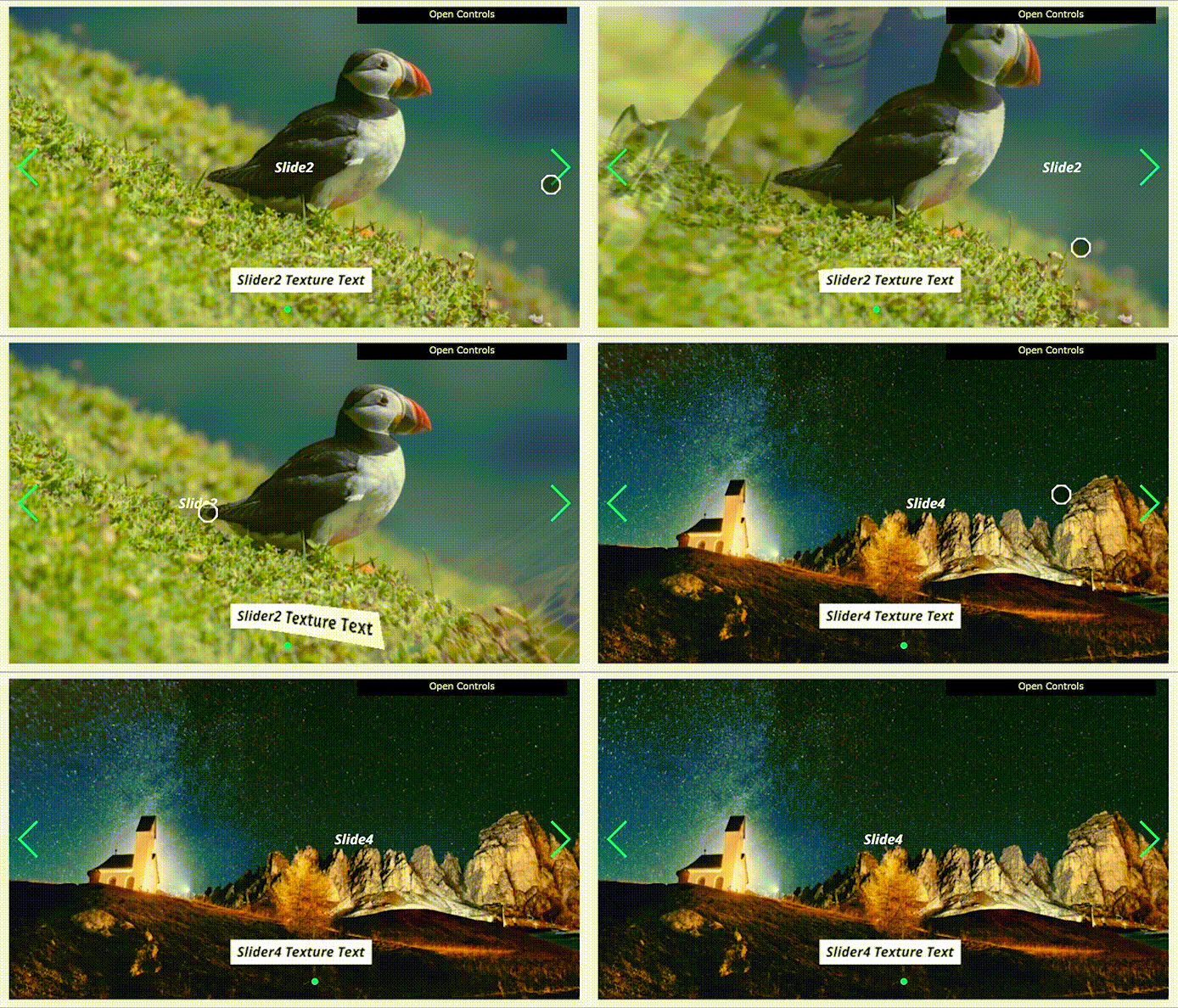
- You can grab a slide and throw it
Installing / Getting started
Download and install:
yarn add xslideror
npm install xsliderInclude CSS and JS files:
<!DOCTYPE html>
<html lang="en">
  <head>
    ...
    <link rel="stylesheet" href="path/to/xslider.min.css" />
  </head>
  <body>
    ...
    <script src="path/to/xslider.min.js"></script>
  </body>
</html>
Usage
A minimum sample is Here.
html
<div class="xslider">
  <div class="xslider-slide">
    <div class="xslider-page">
      <div class="xslider-layer-gl">Elements as texture</div>
      <div class="xslider-layer-ui">Elements as DOM</div>
    </div>
    <div class="xslider-page"></div>
    ...
  </div>
  <div class="xslider-pager"></div>
</div>
css
.xslider {
  width: 400px;
  height: 300px;
}
js
new XSlider('.xslider');API
new XSlider(selector, options) or setup(selector, options)
/**
 * @constructor
 * @param {string} selector - CSS Selector
 * @param {Object} options - XSlider options. See below.
 */

new XSlider(selector, options);
options
| Name | Type | Default | Description | | ----------------- | ----------------- | --------------------------- | ------------------------------------------------------------ | | transition | Object | Xslider.BaseTransition | Transition effect. | | duration | Number | 1000 | Duration of transition between pages | | initialSlideIndex | Number | 0 | Index number of initial page. | | loop | Boolean | true | Loop page flag. | | touchMove | Boolean or Object | { throwable:true } | Object with touch parameters. | | autoplay | Boolean or Object | false | Object with autoplay parameters. { delay:3000 } |
Browser Supports
| Chrome | IE | Edge | Firefox | Safari | | :----: | :-: | :--: | :-----: | :----: | | Yes | - | - | Yes | Yes |
- IE11 and below do not support SVG <foreignObject> tag.
- In Microsoft Edge, the background image of <foreignObject> tag can not be drawn on canvas.https://developer.microsoft.com/en-us/microsoft-edge/platform/issues/17408255/
| Android | iOS | | :-----: | :-: | | 5+ | 8+ |
Licensing
MIT