
yahdlp
v1.3.7
Published
Enterprise-grade PII detection and redaction tool by Yahya Enterprises

Maintainers
 yaya2devops
Readme
yahDLP
Enterprise-grade PII detection and redaction tool dlp.yah.qa automatically detect and redact sensitive information.



Features
- 🔍 Accurate email and phone number detection
- 🛡️ Smart redaction system
- ✨ Visual confirmation overlays
- 🎯 Targeted redaction based on inspected values
- 🏢 Enterprise-ready processing
Installation
npm install -g yahdlpUsage Guide
PII Inspection
# Inspect for email
yahdlp inspect -t "[email protected]" -e

# Inspect for phone number
yahdlp inspect -t "+99999999" -p

# Inspect for both email and phone
yahdlp inspect -t "Email: [email protected] Phone: +99999999"
Image Redaction No Demo
Introducing the asset in question:

Always inspect first, then redact:
# Demo No redaction workflow
yahdlp inspect -t "[email protected]" -e
yahdlp redact yahAPPROACH.png output.png -e

No matching PII found
Result:

Image Redaction Yes Demo
# Demo Yes redaction workflow
yahdlp inspect -t "[email protected]" -e
yahdlp redact yahAPPROACH.png output.png -e

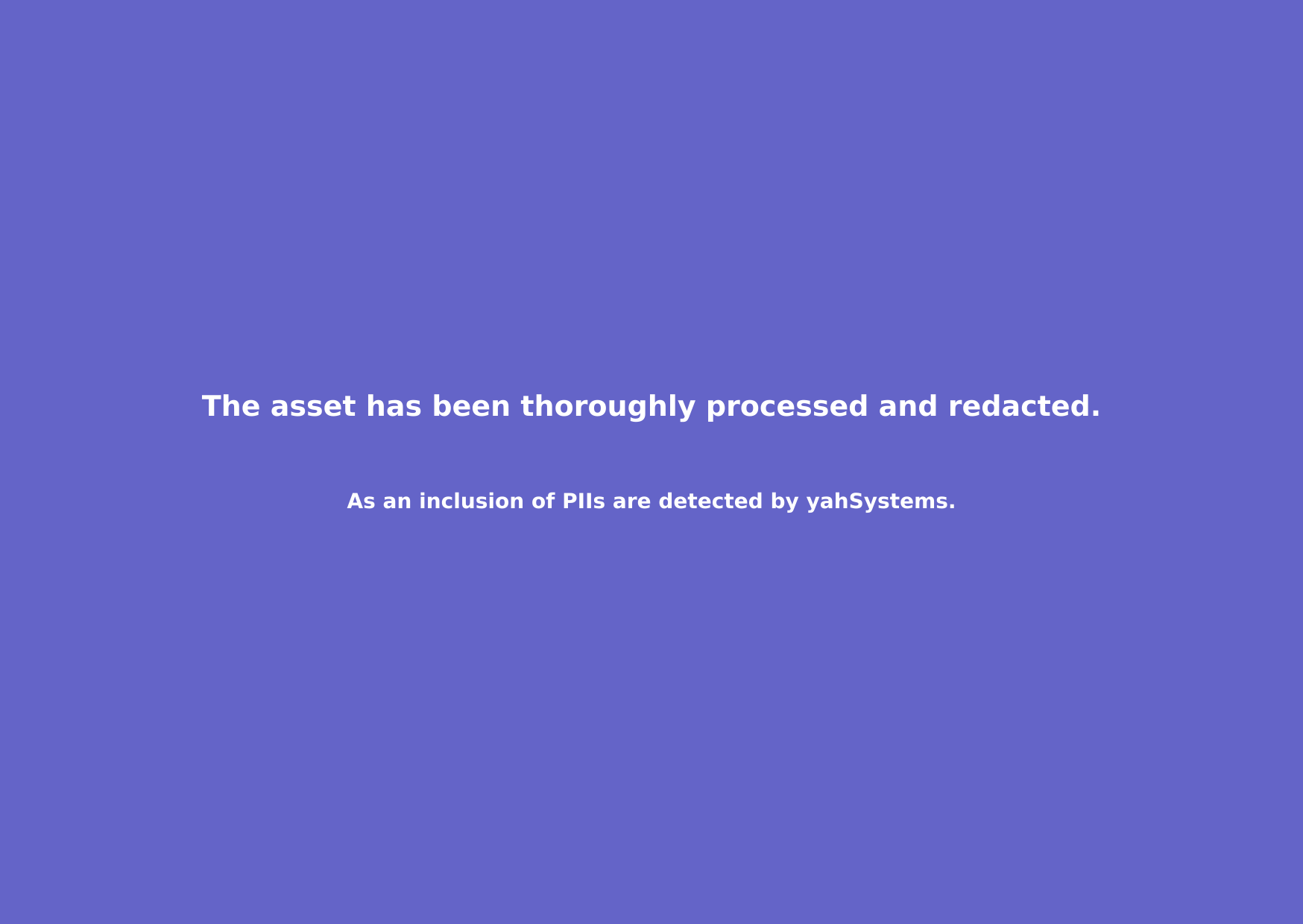
Found and redacted PII
Result:
Phone Numbers Considerations
- SMS Example is here.
# Complete redaction workflow
yahdlp inspect -t "+4131313131315" -p
yahdlp redact yahAPPROACH.png output.png
No matching PII found

yahdlp inspect -t "+252525252531" -p
yahdlp redact sms-wa-test.png output.png
No matching PII found- WhatsApp Example is here.
# Phone redaction workflow
yahdlp inspect -t "+4131313131315" -p
yahdlp redact input.png output.png -p
How It Works
Inspection Phase
- Analyzes provided text for PII patterns
- Stores detected values securely for redaction
Redaction Phase
- Scans image for matching PII
- Applies enterprise-grade redaction
- Adds visual confirmation overlay
Output States
- PII Found: Full redaction with clear overlay
- No PII Match: Transparent overlay with notification
Security Notes
- Only redacts when inspected PII matches image content
- Non-matching PII remains visible but marked as inspected
- No sensitive data stored between sessions
License
MIT © Yahya Entreprises built with ❤️ - Crafting privacy-first solutions for a secure digital world.