
zarcanvas
v1.0.0
Published
ZarCanvas is a native canvas library for crafting stylish, modern card designs.

Maintainers
 zarscape
Readme
ZarCanvas 🎨




ZarCanvas
ZarCanvas is a native canvas library for creating modern, visually clean cards. Optimized for social media simulation and music player visuals.
🚀 Installation
npm install zarcanvas🛠️ Usage Examples
1. Music Card
Perfect for "Now Playing" visuals with gradient support.
Full Version (With Progress)
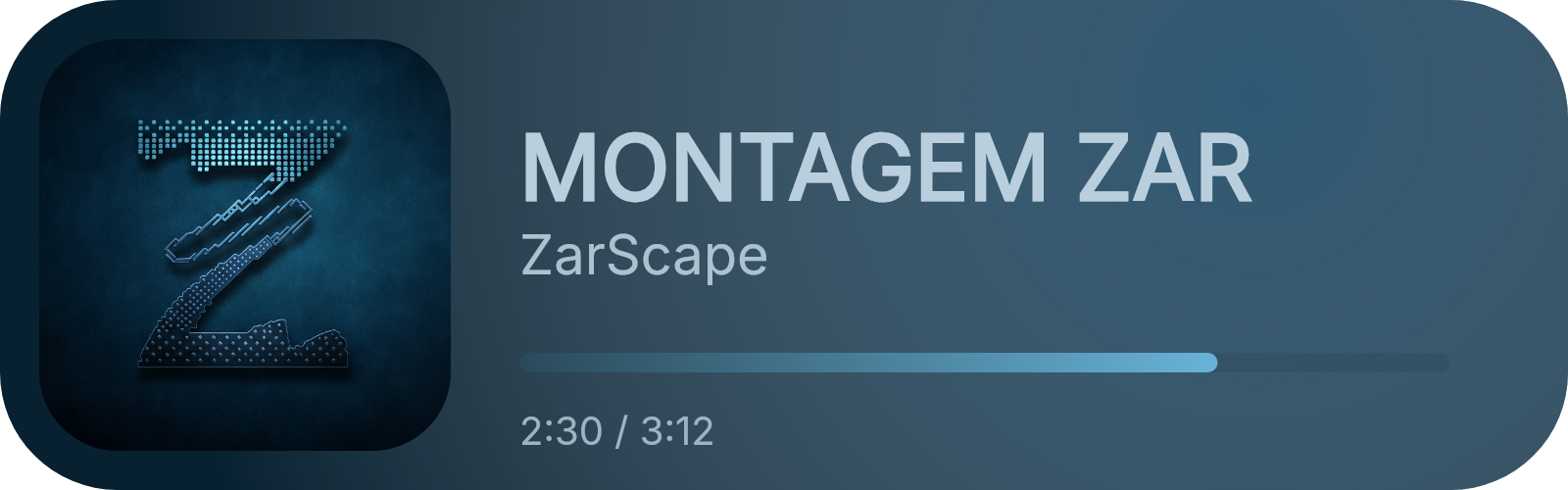
import { MusicCard } from 'zarcanvas';
import fs from 'node:fs';

const card = new MusicCard({
  trackName: 'MONTAGEM ZAR',
  artistName: 'ZarScape',
  albumArt: 'https://raw.githubusercontent.com/ZarScape/ZarScape/refs/heads/main/images/ZarScape/logo-with-background.png',
  backgroundColor: '#082131ff',
  gradientColor: '#467ca0ff',
  progressBar: 75,
  progressTime: '2:30 / 3:12',
  trackNameColor: '#bacfddff',
  artistNameColor: '#abc2d1ff',
  progressTimeColor: '#9cb4c4ff',
  progressBarColor: ['#2a4a5aff', '#68b3d8']
});

const buffer = await card.build();
fs.writeFileSync('music_full.png', buffer);
Minimal Version (No Progress)
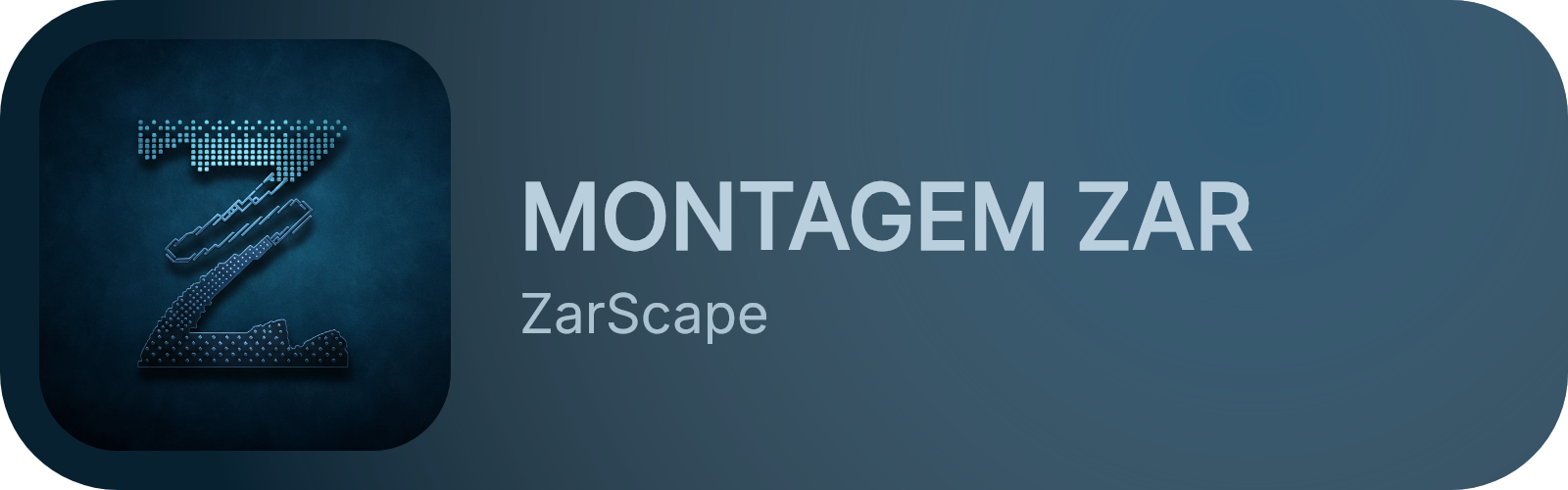
const minimalCard = new MusicCard({
  trackName: 'MONTAGEM ZAR',
  artistName: 'ZarScape',
  albumArt: 'https://raw.githubusercontent.com/ZarScape/ZarScape/refs/heads/main/images/ZarScape/logo-with-background.png',
  backgroundColor: '#082131ff',
  gradientColor: '#467ca0ff',
  trackNameColor: '#bacfddff',
  artistNameColor: '#abc2d1ff'
});

const buffer = await minimalCard.build();
fs.writeFileSync('music_minimal.png', buffer);
2. Profile Card
Designer profile card with background blur and frame effects.
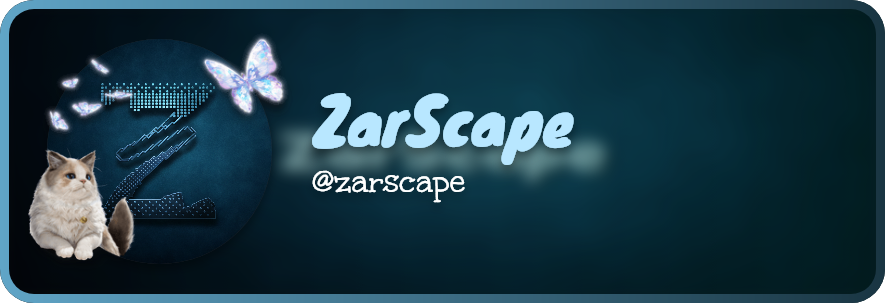
import { ProfileCard } from 'zarcanvas';

const card = new ProfileCard({
  avatarURL: 'https://raw.githubusercontent.com/ZarScape/ZarScape/refs/heads/main/images/ZarScape/logo-with-background.png',
  decorationURL: 'https://cdn.discordapp.com/avatar-decoration-presets/a_64c339e0c128dcb279ae201b1190d9d3.png',
  backgroundURL: 'https://raw.githubusercontent.com/ZarScape/ZarScape/refs/heads/main/images/ZarScape/banner-with-text.png',
  userName: 'zarscape',
  userDisplayname: 'ZarScape',
  backgroundBlur: 20,
  usernameColor: '#b8e7ff',
  borderColor: ['#60a5c7', '#193542ff']
});

const buffer = await card.build();
3. Instagram Card
Authentic Instagram post simulation.
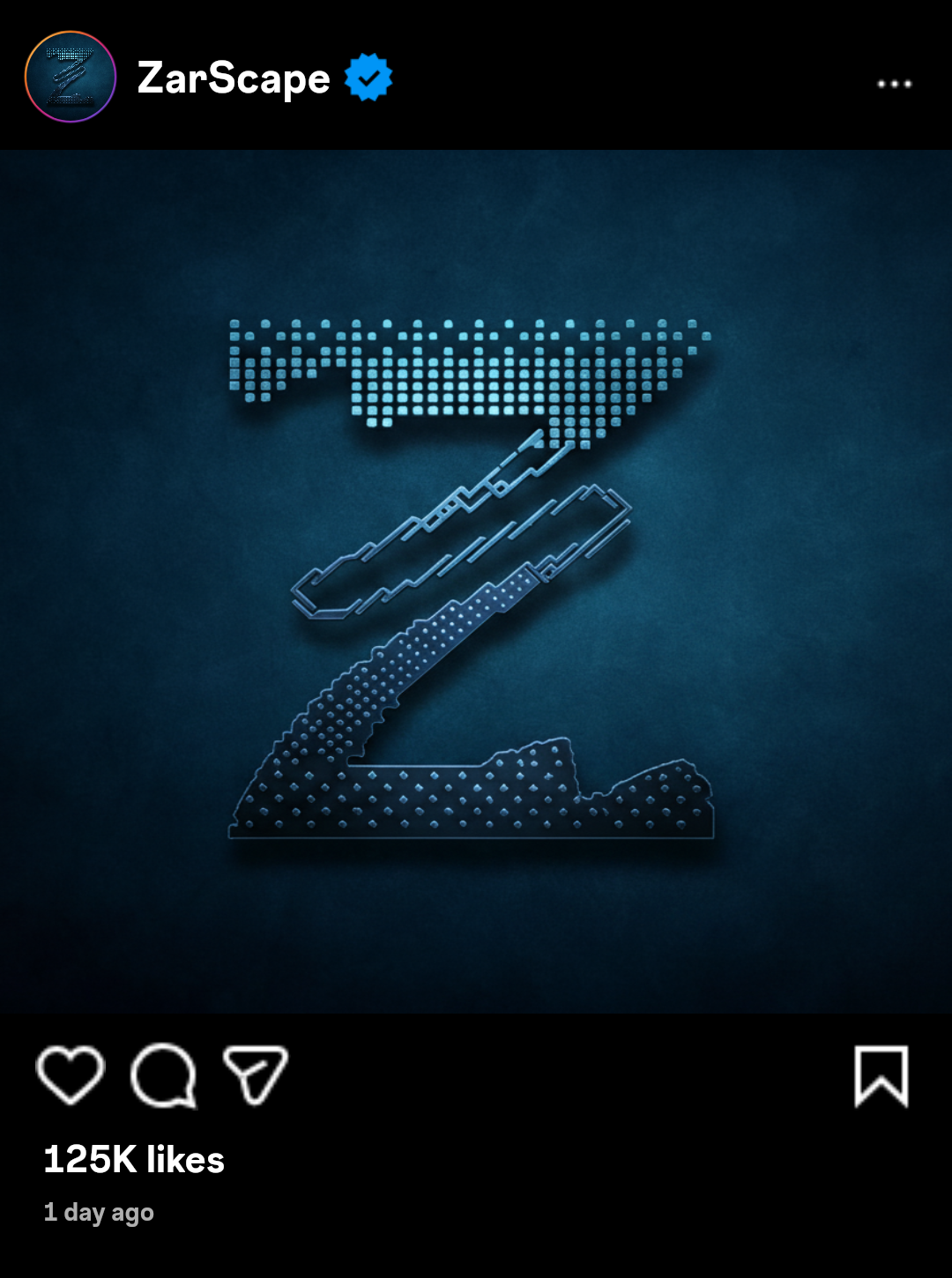
import { InstagramCard } from 'zarcanvas';

const card = new InstagramCard({
  username: "ZarScape",
  avatar: "https://raw.githubusercontent.com/ZarScape/ZarScape/refs/heads/main/images/ZarScape/logo-with-background.png",
  postImage: "https://raw.githubusercontent.com/ZarScape/ZarScape/refs/heads/main/images/ZarScape/logo-with-background.png",
  likeCount: 125000,
  verified: true,
  postDate: new Date(Date.now() - 86400000)
});

const buffer = await card.generate();
4. Tweet (X) Card
Native X/Twitter post simulation using Chirp fonts.

import { TweetCard } from 'zarcanvas';

const card = new TweetCard({
  user: {
    displayName: 'Muhammad Abuzar',
    username: 'zarscape'
  },
  message: 'Testing X (tweet) card using ZarCanvas. Looks awesome! #ZarCanvas #Design #ZarScape',
  verified: true,
  stats: {
    replies: 124,
    retweets: 850,
    likes: '12K',
    views: '250K'
  }
});

const buffer = await card.build();
5. Ship Card
Compare two profiles with a love percentage and themed icons.
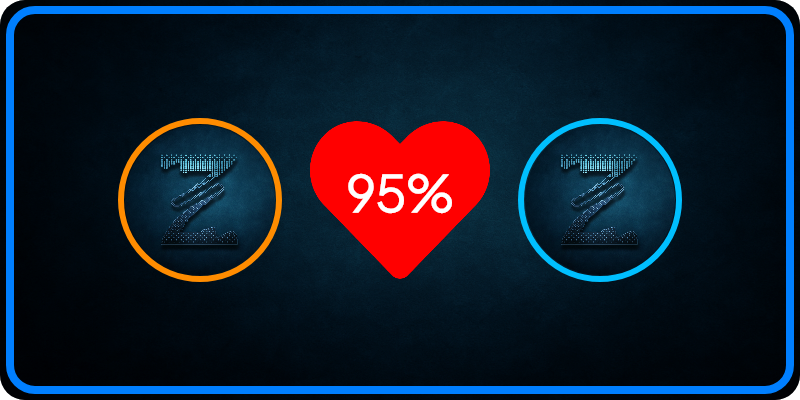
import { ShipCard } from 'zarcanvas';

const card = new ShipCard()
  .setAvatar1('https://raw.githubusercontent.com/ZarScape/ZarScape/refs/heads/main/images/ZarScape/logo-with-background.png')
  .setAvatar2('https://raw.githubusercontent.com/ZarScape/ZarScape/refs/heads/main/images/ZarScape/logo-with-background.png')
  .setPercentage(95);

const buffer = await card.build();
📦 API Reference
Music Card (MusicCardOptions)
| Property | Type | Required | Description | Default |
| :--- | :--- | :---: | :--- | :--- |
| trackName | string | ✅ | Title of the track. | - |
| artistName | string | ✅ | Name of the artist. | - |
| albumArt | string | ✅ | URL or path to artwork. | - |
| backgroundColor | string | ✅ | Background hex/CSS color. | - |
| gradientColor | string | ✅ | Color for decorative glow. | - |
| trackNameColor | string | ❌ | Track title hex color. | #000000 |
| artistNameColor| string | ❌ | Artist name hex color. | #555555 |
| progressBar | number | ❌ | Percentage (0-100). | undefined |
| progressBarColor| string \| string[] | ❌ | Solid or gradient color. | #000000 |
| progressTime | string | ❌ | Time text (e.g. "2:30 / 4:00"). | undefined |
Profile Card (ProfileCardOptions)
| Property | Type | Required | Description | Default |
| :--- | :--- | :---: | :--- | :--- |
| avatarURL | string | ✅ | Main profile avatar URL. | - |
| userName | string | ✅ | The handle/username (with @). | - |
| userDisplayname| string | ❌ | Large display title. | userName |
| backgroundBlur | number | ❌ | Blur intensity (0-100). | 20 |
| usernameColor | string | ❌ | Hex color for the title. | #b8e7ff |
| borderColor | string \| string[] | ❌ | Solid or gradient border. | undefined |
| squareAvatar | boolean | ❌ | Use square instead of circle avatar. | false |
Instagram Card (InstagramCardOptions)
| Property | Type | Required | Description | Default |
| :--- | :--- | :---: | :--- | :--- |
| username | string | ✅ | Instagram handle. | - |
| avatar | string | ✅ | Profile image URL. | - |
| postImage | string | ✅ | Main post content image URL. | - |
| likeCount | number | ✅ | Total number of likes. | - |
| verified | boolean | ❌ | Shows blue verified badge. | true |
| postDate | Date \| number| ❌ | Date of the post. | Date.now() |
X (Tweet) Card (TweetCardOptions)
| Property | Type | Required | Description | Default |
| :--- | :--- | :---: | :--- | :--- |
| user | object | ✅ | { displayName: string, username: string } | - |
| message | string | ✅ | The tweet content text. | - |
| stats | object | ✅ | { replies, retweets, likes, views } | - |
| verified | boolean | ❌ | Shows blue checkmark badge. | true |
| timestamp | string | ❌ | Relative time (e.g. "1h"). | 1h |
| avatar | string | ❌ | Profile image URL. | ZarScape Logo |
Ship Card (ShipCardOptions)
| Property | Type | Required | Description | Default |
| :--- | :--- | :---: | :--- | :--- |
| avatar1 | string | ✅ | First user avatar URL. | - |
| avatar2 | string | ✅ | Second user avatar URL. | - |
| percentage | number | ✅ | Love percentage (0-100). | - |
| background | string | ❌ | Background image URL. | Default Gradient |
| font | string | ❌ | Custom font family name. | Plus Jakarta Sans |
🛡️ Guide & Tips
Best Visual Results
- Images: Use high-resolution square images for avatars to prevent stretching or warping.
- Gradients: For properties accepting
string[], providing 2-3 hex codes creates a smooth professional linear transition. - Async Handling: All card generation methods are asynchronous. Always use
awaitwhen calling.build()or.generate()..