
zigbee-api
v0.0.7
Published
description


Readme
Description
Zigbee API base on Nest framework inspired by zigbee2mqtt.
Supported devices
See Supported devices on Zigbee2mqtt documentation to check whether your device is supported. There is quite an extensive list, including devices from vendors like Xiaomi, Ikea, Philips, OSRAM and more.
Installation
$ git clone https://github.com/apiel/zigbee-api.git
$ cd zigbee-api
$ npm install
Getting started
The documentation from zigbee2mqtt provides you all the information needed to get up and running! Make sure you don't skip sections if this is your first visit, as there might be important details in there for you.
If you aren't familiar with Zigbee terminology make sure you read this to help you out.
Running the app
# development
$ npm run start

# watch mode
$ npm run start:dev

# production mode
$ npm run start:prod
REST API
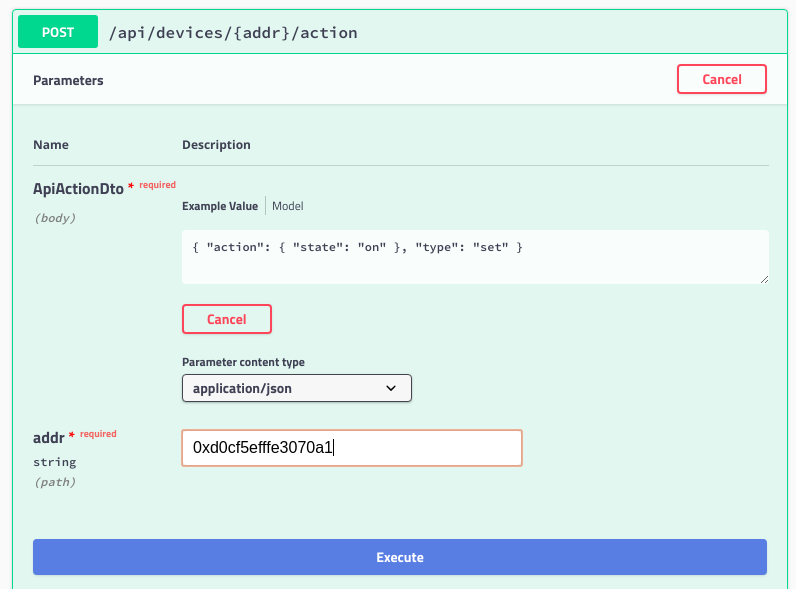
GET /api/devicesGet the list of registered devices.GET /api/devices/{addr}Get the details of a device, whereaddris the address of the device, for example0xd0cf5efffe3070a1.GET /api/eventsGet the list of events from the last 5 minutes, for example new device incoming or messages receive from a remote.POST /api/devices/{addr}/actionSend an action to a device, whereaddris the address of the device and the request body should contain the command in JSON format, for example{ "action": { "state": "on" }, "type": "set" }
Build-in documentation
There is build-in documentation, using standard OpenAPI Specification. To access it, go to the url http://127.0.0.1:3000/docs .
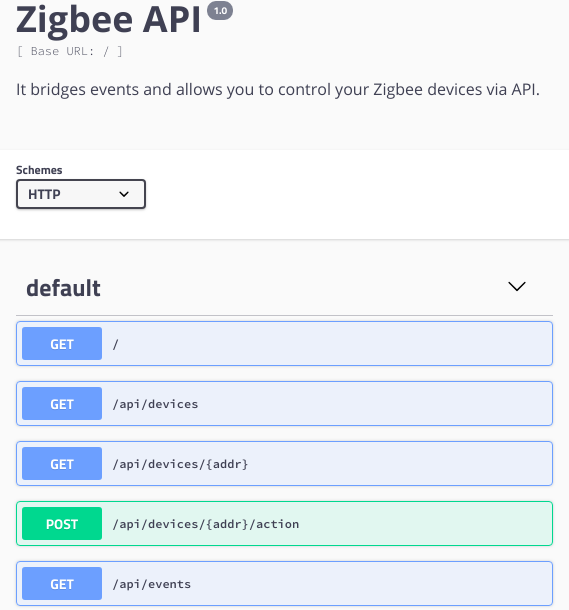
From this user interface, you can run some test queries, for example to change the state of a device:
GraphQL
You can access the GraphQL playground under the url http://127.0.0.1:3000/graphql
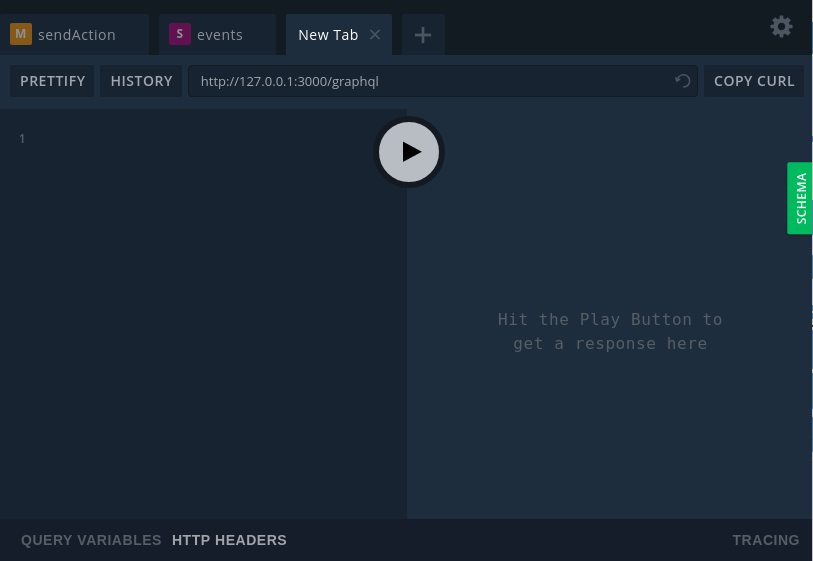
From there you can try your GraphQL queries:
- to get the list of devices
{
    getDevices {
      type
      ieeeAddr
      manufName
      modelId
    }
}- to get a single device information
{
    device (addr: "0xd0cf5efffe3070a1") {
      type
      ieeeAddr
      manufName
      modelId
    }
}- to get device config information
{
  getDeviceConfig(addr: "0xd0cf5efffe3070a1") {
    device {
      type
      ieeeAddr
      modelId
    }
    config
  }
}- to get the list of events from the last 5 minutes
{
    getEvents {
      type
      payload
      time
    }
}- to send an action to a device
mutation {
    sendAction(
        addr: "0xd0cf5efffe3070a1"
        action: "{\"action\": {\"state\": \"on\"}, \"type\": \"set\"}"
    )
}
It is also possible to have real-time subscription, to receive events:
subscription {
    events {
      type
      payload
      time
    }
  }
Read more about the GraphqQL subscriptions here.
Microservice
Nest framework provide a micro-servive interface. It provide multiple communication protocole like TCP, MQTT, AMQP with RabbitMQ, Redis pub/sub... For more information look at the nest documentation.