
ztd-charts-mcp
v0.13.1
Published
ztd-charts MCP server (stdio): list charts, get schemas, validate specs, render SVG/PNG, and get chart suggestions from data


Readme
ztd-charts-mcp
A stdio MCP server for ztd charts, so an AI agent can look up the 47 charts, check a chart spec and render it.
Tools
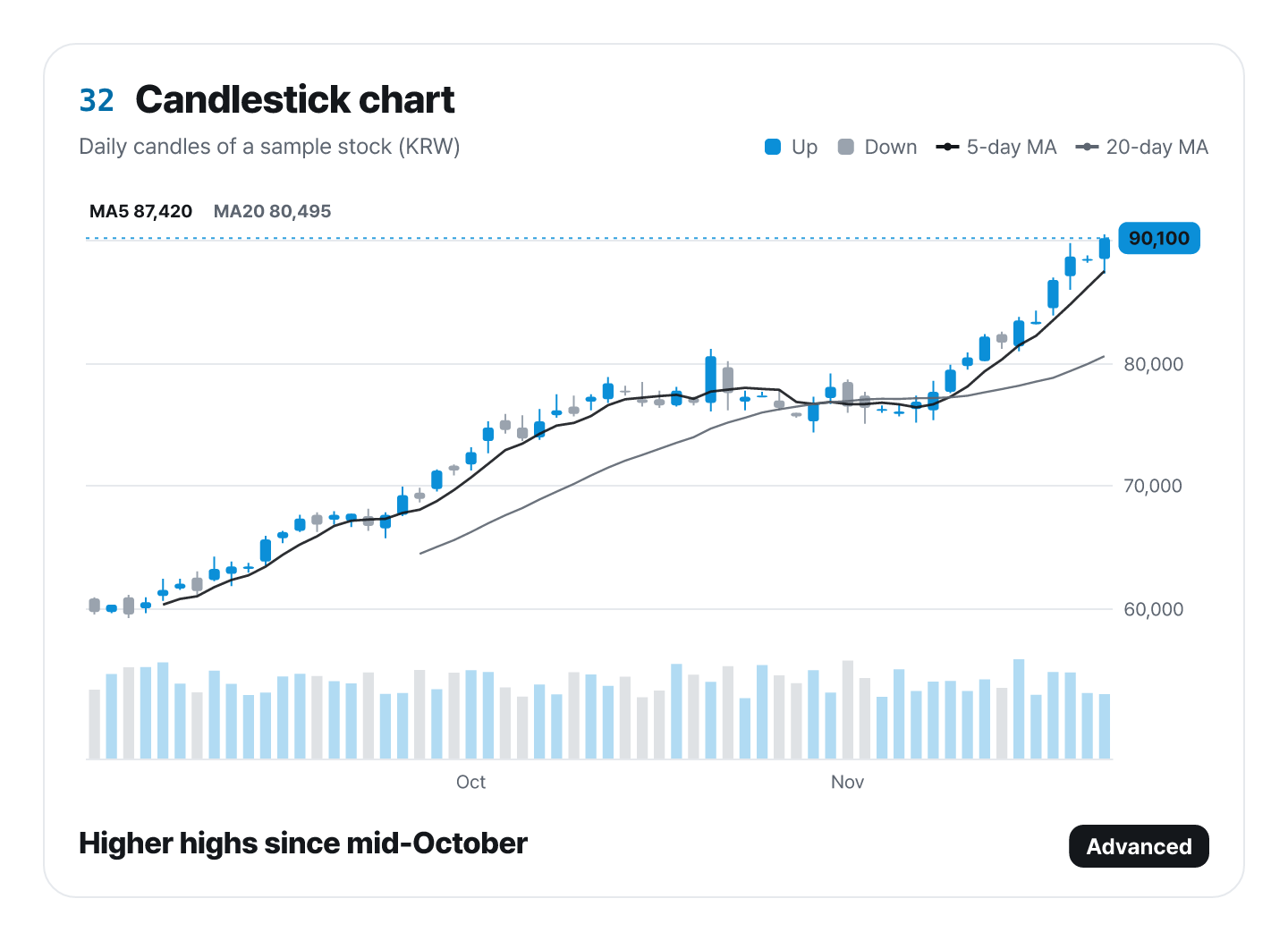
list_charts: the 47 chart types with level, group, a one-line summary, when to use or avoid them, and their encoding channels.get_chart_schema: the JSON Schema for one chart type, with a complete example spec and a React snippet.validate_spec: errors and warnings with JSON paths, such as an unknown type, a missing field or a wrong option.render_chart: a PNG image and SVG of the spec in its card, plus React code ready to paste. Data can be inline rows, CSV text or a URL.suggest_chart: chart types ranked for your data, each with a reason and a ready spec.
Resource: ztd-charts://schema/chart-spec.json. Set locale: "ko" for Korean messages and chart text.
Data URLs that point to a private or local network (localhost, 10.x, 192.168.x, 169.254.169.254 and similar) are refused, so an agent cannot read internal services through the server. To load data from a local dev server, add ZTD_CHARTS_ALLOW_PRIVATE_URLS=1 to the server's environment: -e in claude mcp add, or the env field in a JSON config below.
Setup
Claude Code:
claude mcp add ztd-charts -- npx -y ztd-charts-mcpClaude Desktop (claude_desktop_config.json), Cursor (.cursor/mcp.json) and other clients:
{
  "mcpServers": {
    "ztd-charts": { "command": "npx", "args": ["-y", "ztd-charts-mcp"] }
  }
}
Renamed from @junhanlee/chart-kit-mcp in 0.2.0. The server name in configs is now ztd-charts.