
zx-cesium-sdk
v1.0.10
Published
The SDK is based on Cesium for secondary development of 2, 3D all-in-one WebGis application framework, the framework optimizes the use of Cesium and add some additional features, designed for developers to quickly build WebGis applications.

Maintainers
 zhangxi119
Readme
DC-SDK
DC-SDK is based on the open source project Cesium for the second development of two three-dimensional WebGis application framework , the framework optimizes the use of Cesium and adds some additional features , designed for developers to quickly build WebGis application.
Tips:This SDK is JS+GIS framework package. Developers need to have some front-end technology and GIS related technologyRun examples
  yarn run build
  yarn run server
Installation
NPM / YARN (Recommend)
Installing with NPM or YARN is recommended and it works seamlessly with webpack.
yarn add @dvgis/dc-sdk
-------------------------
npm install @dvgis/dc-sdk
import * as DC from '@dvgis/dc-sdk'
import '@dvgis/dc-sdk/dist/dc.min.css'CDN
<script src="https://cdn.jsdelivr.net/npm/@dvgis/dc-sdk/dist/dc.min.js"></script>
<link
  href="https://cdn.jsdelivr.net/npm/@dvgis/dc-sdk/dist/dc.min.css"
  rel="stylesheet"
  type="text/css"
/>
Please put the resources in the project root directory libs/dc-sdk, if you put it in other directory, the framework will not run properly.Configuration
The configuration is mainly used in the
NPM / YARNway
Since the DC framework sets CESIUM_BASE_URL to ./libs/dc-sdk/resources/ , you need to copy Cesium related static resources files: Assets , Workers , ThirdParty to libs/dc-sdk/resources directory of the project to ensure that the 3D scene can be rendered properly. You can also use DC.config.baseUrl to set the static resource base related to Cesium .
Webpack
// webpack.config.js
const path = require('path')
const CopywebpackPlugin = require('copy-webpack-plugin')
const dvgisDist = './node_modules/@dvgis'

module.exports = {
  plugins: [
    new CopyWebpackPlugin([
      {
        from: path.join(dvgisDist, 'dc-sdk/dist/resources'),
        to: 'libs/dc-sdk/resources',
      },
    ]),
  ],
}
Vue2.x
// vue.config.js
const path = require('path')
const CopywebpackPlugin = require('copy-webpack-plugin')
const dvgisDist = './node_modules/@dvgis'
module.exports = {
  chainWebpack: (config) => {
    config.plugin('copy').use(CopywebpackPlugin, [
      [
        {
          from: path.join(dvgisDist, 'dc-sdk/dist/resources'),
          to: 'libs/dc-sdk/resources',
        },
      ],
    ])
  },
}
Vue3.x
// vue.config.js
const path = require('path')
const CopywebpackPlugin = require('copy-webpack-plugin')
const dvgisDist = './node_modules/@dvgis'
module.exports = {
  chainWebpack: (config) => {
    config.plugin('copy').use(CopywebpackPlugin, [
      {
        patterns: [
          {
            from: path.join(dvgisDist, 'dc-sdk/dist/resources'),
            to: path.join(__dirname, 'dist', 'libs/dc-sdk/resources'),
          },
        ],
      },
    ])
  },
}
vite
// vite.config.js
import { defineConfig } from 'vite'
import DC from '@dvgis/vite-plugin-dc'

export default defineConfig({
  plugins: [DC()],
})
Start
global.DC = DC
DC.ready({}).then(()=>{
    let viewer = new DC.Viewer()
})
Demo
| 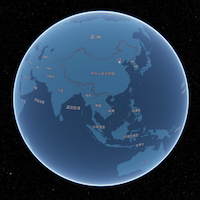 |
| 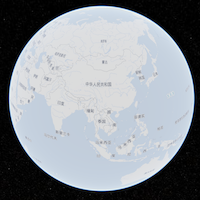 |
| 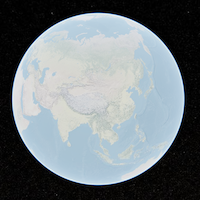 |
| 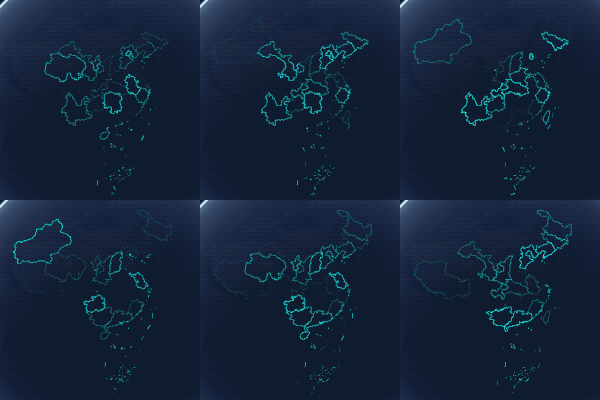 |
|:------------------------------------------------------------------------------------------------:|:----------------------------------------------------------------------------------:|:----------------------------------------------------------------------------------------:|:------------------------------------------------------------------------------------:|
|
|
|:------------------------------------------------------------------------------------------------:|:----------------------------------------------------------------------------------:|:----------------------------------------------------------------------------------------:|:------------------------------------------------------------------------------------:|
| 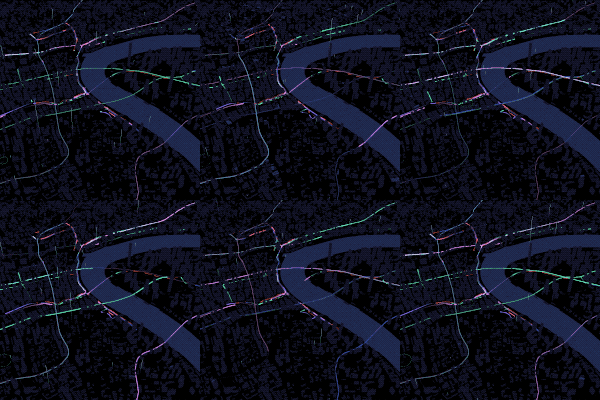 |
|  |
| 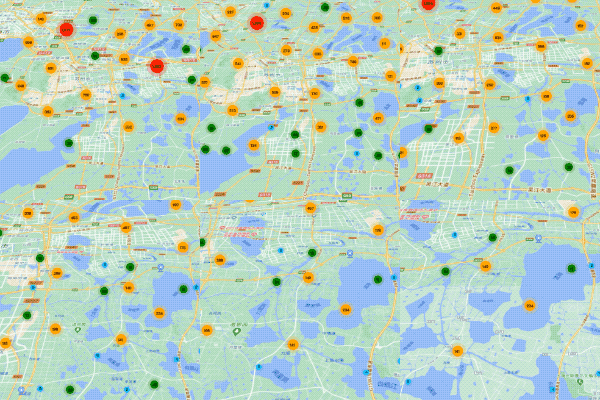 |
| 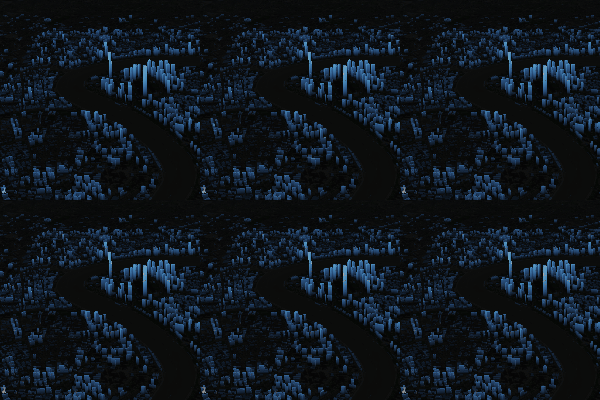 |
|
|
| 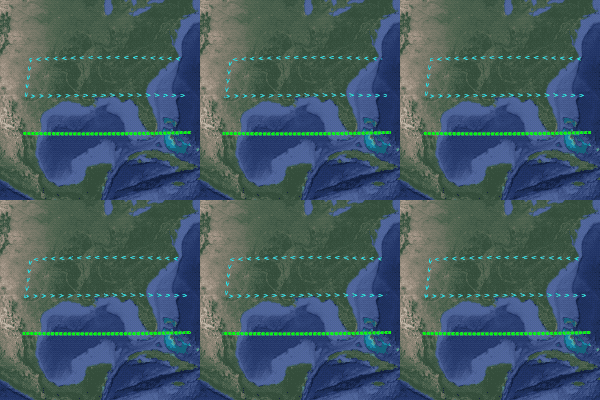 |
|  |
|  |
|  |
|